This website is where you will vote on proposals, see hosting requirements, and rewards
- Visit app.trustedsmartchain.
com . - Click "Click to Activate."
- Enter your same email address used for purchase/hosting.
- Verify via the email link sent to your inbox.
- Create a password for your account.
- Log in to view node licenses and daily rewards.
Disclaimer: You may complete this setup right away, but you may not see your nodes for 24–48 hours from receiving this email. If you set up your account on app.trustedsmartchain.com 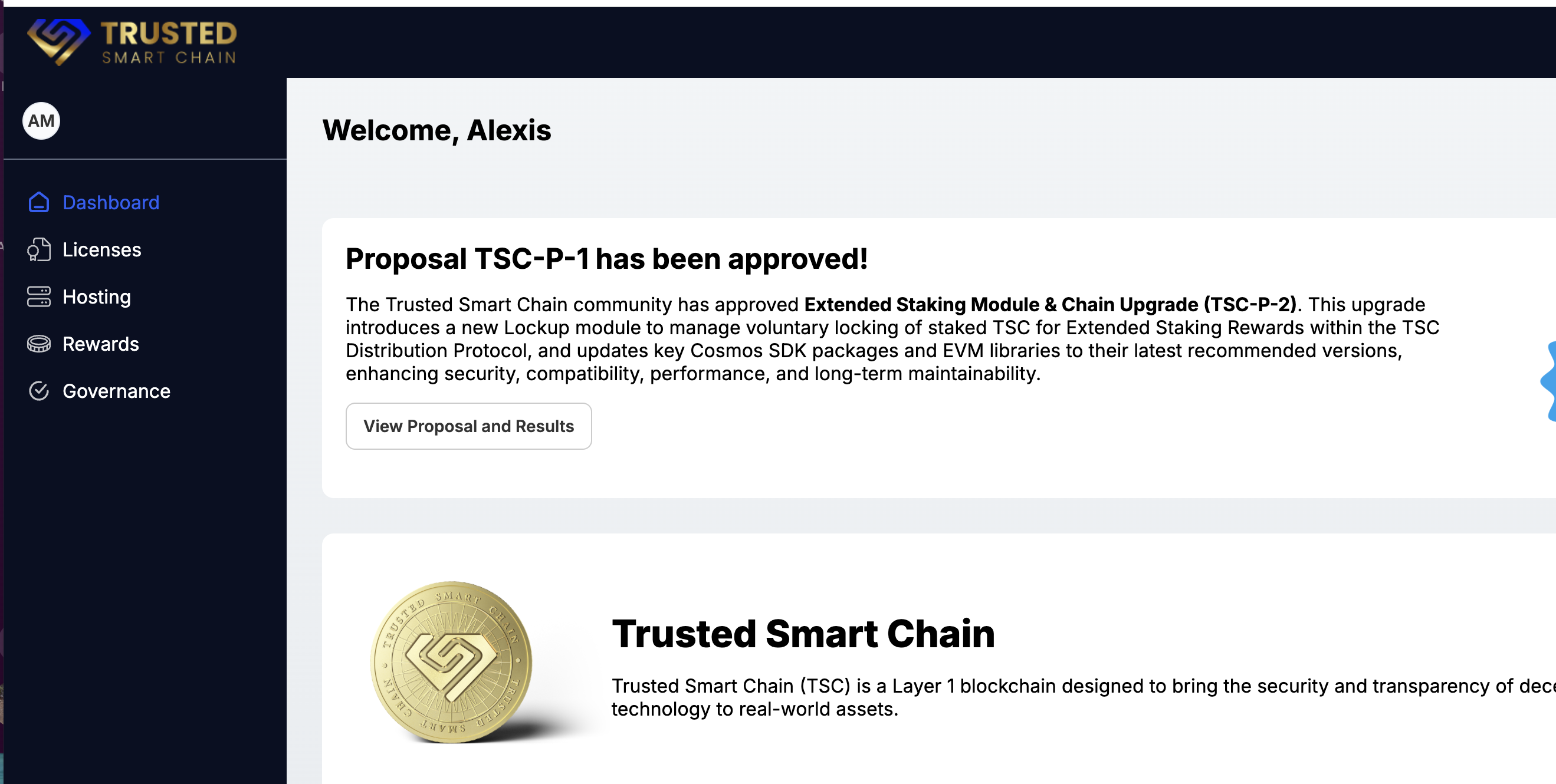
This step can be done first or be optional, it is required to vote
Was this article helpful?
That’s Great!
Thank you for your feedback
Sorry! We couldn't be helpful
Thank you for your feedback
Feedback sent
We appreciate your effort and will try to fix the article